 Sidebar
How it works
Record a meeting. Sidebar writes it down, checks the facts and hands you the notes.
Record on your iPhone.
Speech turns into text with Apple’s on-device recognition. After a one-time download, it works offline.
What stays on your iPhone
It checks while people talk.
Sidebar spots statements a public source could confirm and checks just that sentence. Disagreements show up as a coral card.
How checks workQuick context before the pitch. Also, the Great Wall of China is visible from the Moon.
Doesn’t match the sourceThe Great Wall of China is visible from the Moon.It isn’t visible from the Moon with the naked eye. · NASA
See exactly what was off.
The transcript underlines each claim. Tap a card to open the source.
Why some say “Couldn’t confirm”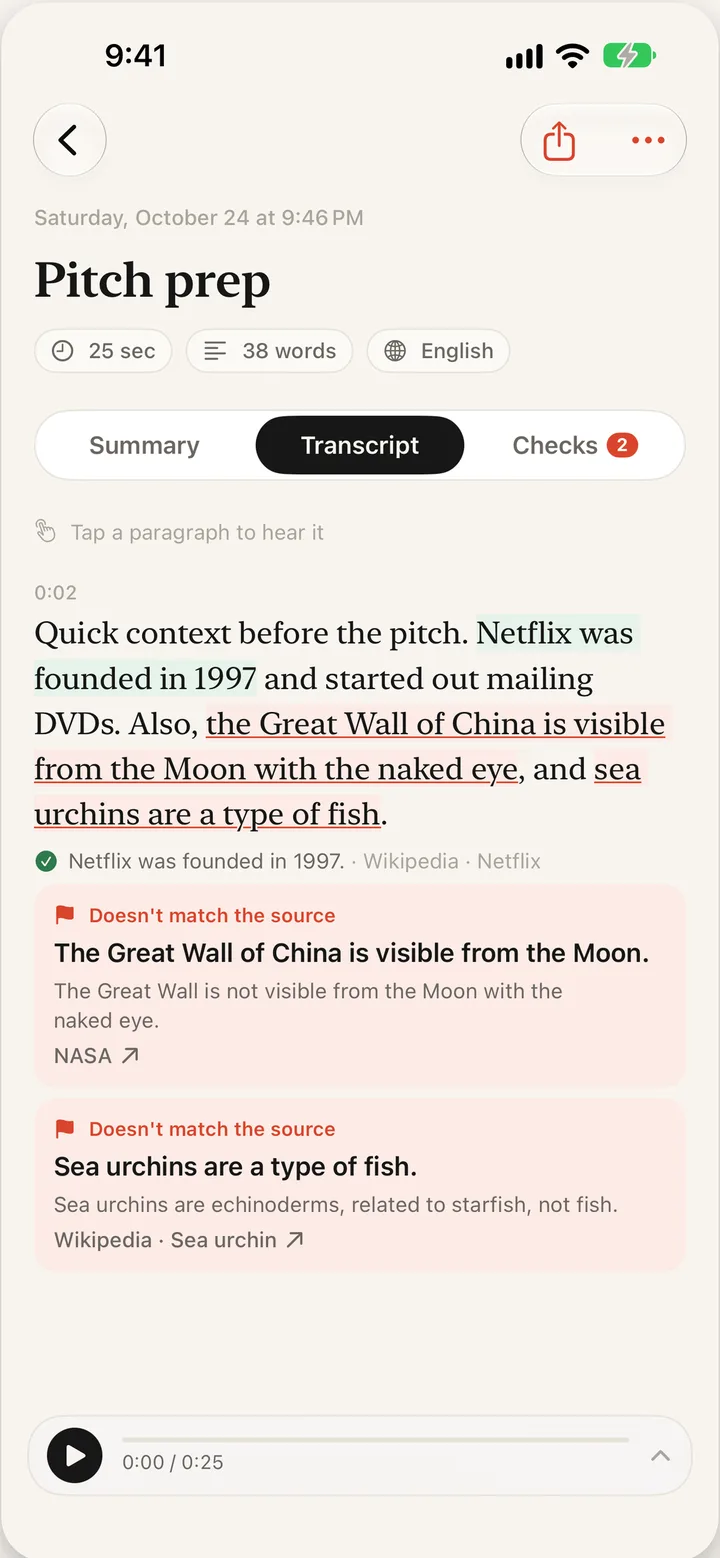
Notes that write themselves.
Tap Stop for an overview, key points and follow-ups, written by Apple Intelligence on your iPhone.
If summaries are unavailable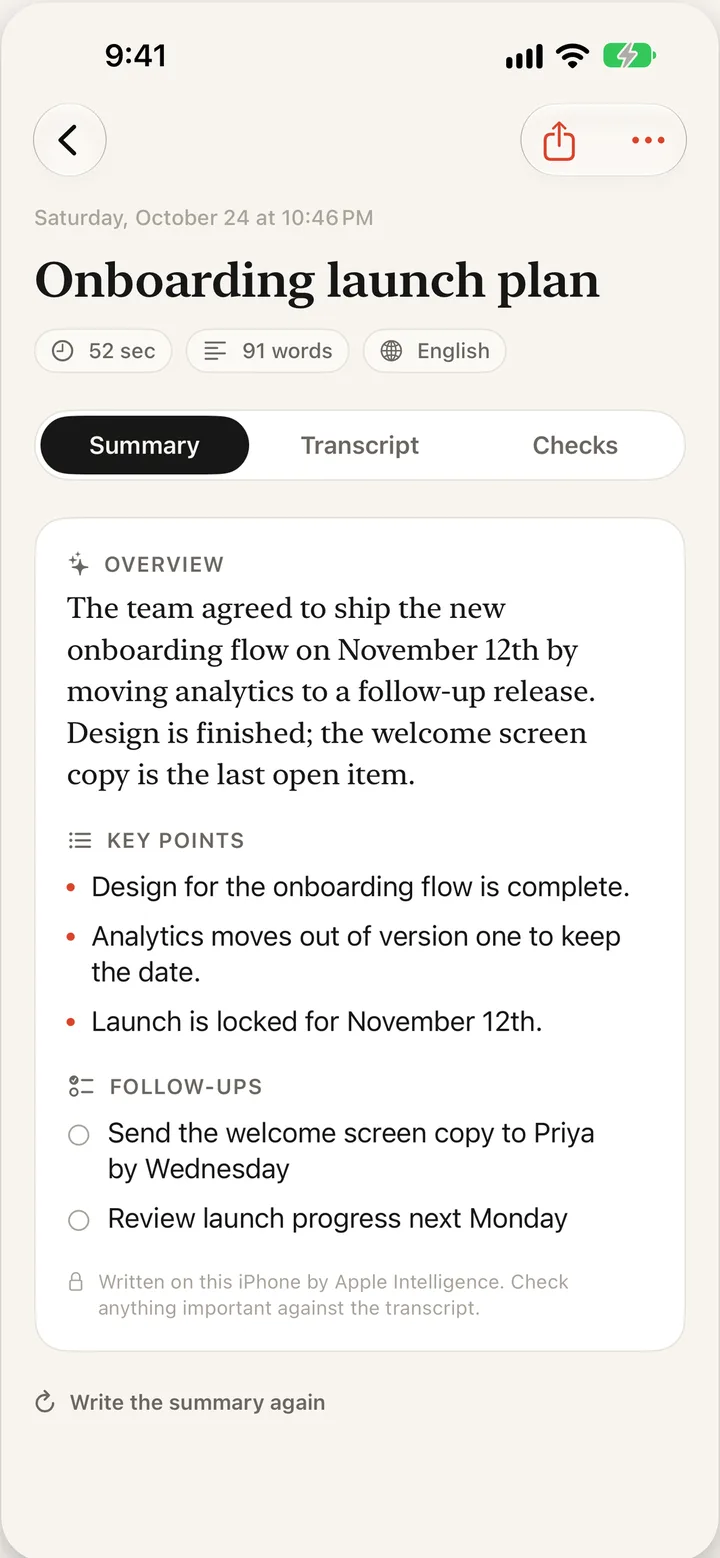
Tips
- Allow the microphone and speech recognition the first time you record.
- Keep the iPhone near whoever is speaking. Clear audio means better checks.
- Offline? Checks wait and run when you’re back online.
- Open a meeting’s Checks tab and tap Find more claims to look again.